
Event Recap: How Designers Preview Decorative Paint Before Sampling — San Marco × Atarashi Designer Salon
By Curtis (RoomDreaming Editor)
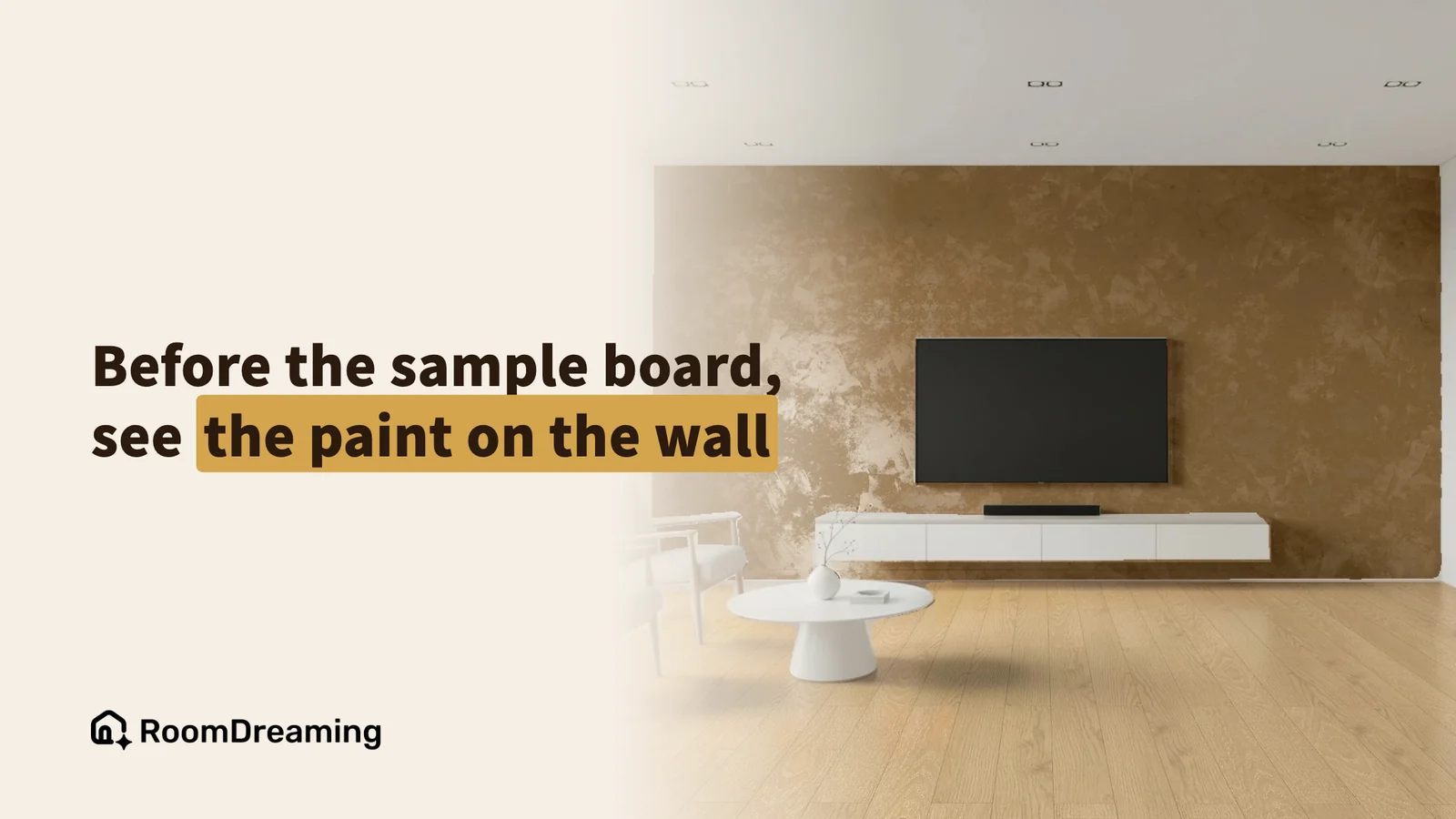
On June 30, 2026, decorative paint brands San Marco and Atarashi hosted a designer salon in Taiwan, and most of the guests were interior designers. One part of the program was a hands-on session with RoomDreaming's AI paint visualizer: designers uploaded views from their own projects, tried both brands' finishes on them, and compared the results with real sample boards in the room.

What was on the program?
The theme was "Explore Materials. Create Possibilities." The afternoon covered:
- 2026 color and material trends for interiors
- A showcase of San Marco's classic decorative finishes
- A first look at new products
- Hands-on time with the AI room visualizer
- Afternoon tea and networking
Why does choosing decorative paint take so many rounds?
Traditionally, a designer settling on a paint goes back and forth between the homeowner and the paint supplier: look at color cards, make a sample board, show it to the client, adjust, repeat.
Decorative paint is especially hard to imagine. The same color applied with a different technique becomes a completely different wall. More on that in why decorative paint can't be chosen from a color card.
How do designers use the AI visualizer to try paint?
The workflow shown on stage was simple:
- Upload a project view: a SketchUp view or rendering from a job in progress.
- Switch in finishes: try San Marco and Atarashi products and see each one in the scene.
- Sample only the winners: compare on screen first, then order boards for the one or two finishes that made the cut.
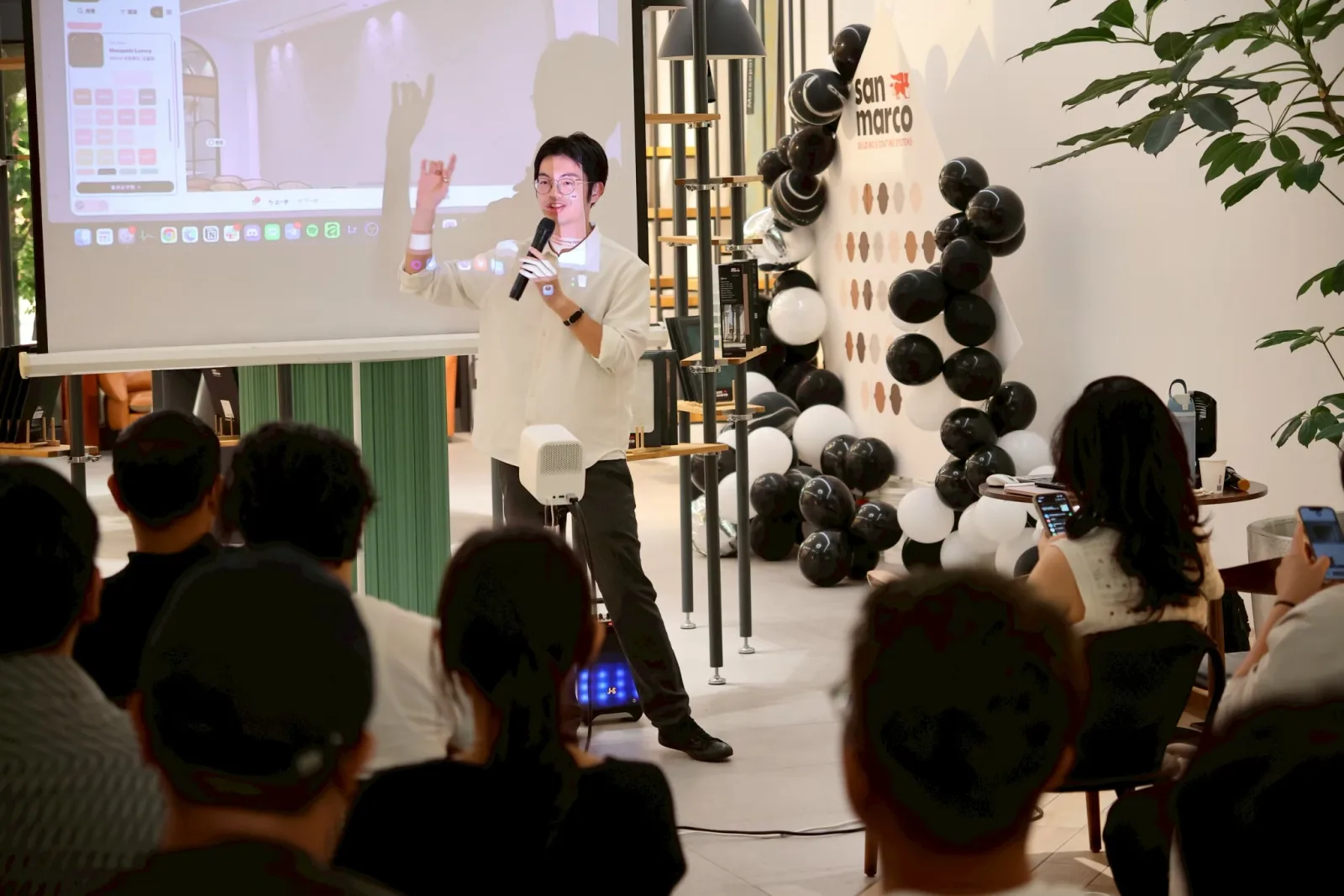
Guests scanned the QR code on screen and tried it on their phones while listening. For designers, it's also a faster way to get to know both brands' ranges: instead of flipping through a whole catalog, they see the products in their own projects.

For how designers use a brand's visualizer in client proposals, see how designers use AI material tools to propose faster.
How close is the AI preview to a real sample?
It's the question designers ask most, so real sample boards were brought out and shown next to the AI renderings. They looked very close.
One example was Marmo Antico, a finish with a travertine texture. The small pores that give travertine its character come through in the visualizer, so it can be previewed before anyone makes a board.

How do sales reps use it with customers?
A San Marco sales rep at the salon shared a real story.
A customer was considering Cadoro, San Marco's best-known finish, but couldn't picture its color and texture in their own home and kept hesitating. The rep pulled out the AI visualizer, uploaded a photo of the customer's room and applied Cadoro on the spot. The customer decided quickly — and chose San Marco.

FAQ
Can designers try paint on a SketchUp view?
Yes. Upload a SketchUp view or rendering from the project and switch in San Marco or Atarashi products to see how each finish looks in the scene.
How close is the AI preview to a real sample board?
At the salon, real sample boards were shown side by side with the AI renderings, and they looked very close. A sample board is still the final check for the finish — but only for the one or two options that made the cut.
Does the homeowner need to download an app?
No. The designer or sales rep sends a link, and the homeowner opens it and uploads a photo of their own room — no download, no sign-up.
Want designers to get to know your products faster?
We can co-host a designer salon with you and run the demo on site. See the paint visualizer in action, or book a RoomDreaming demo.
Try it on a photo of your own room
Upload a photo and swap in real products to see them in your space. No download, no sign-up.
Further reading
- Interior Design Proposals Taking Too Long? How Designers Use Brands' AI Material Visualizers to Save Render and Selection Time
- Why You Can't Choose Decorative Paint From a Color Card: Sample Boards vs AI Paint Visualizer
- Event Recap: How Decorative Paint Dealers Use an AI Paint Visualizer to Win Jobs — LUXUS PAINT Dealer Training