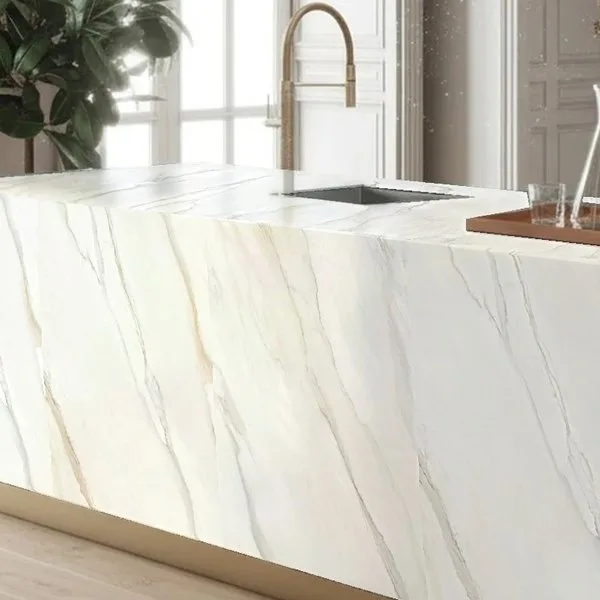
The right way to sell tiles
Let customers see it installed before they order
Tile only makes sense once it's in your own home. Customers upload one photo and your tile goes onto the floor, wall or shower at its real size. Try it now with your own photo.
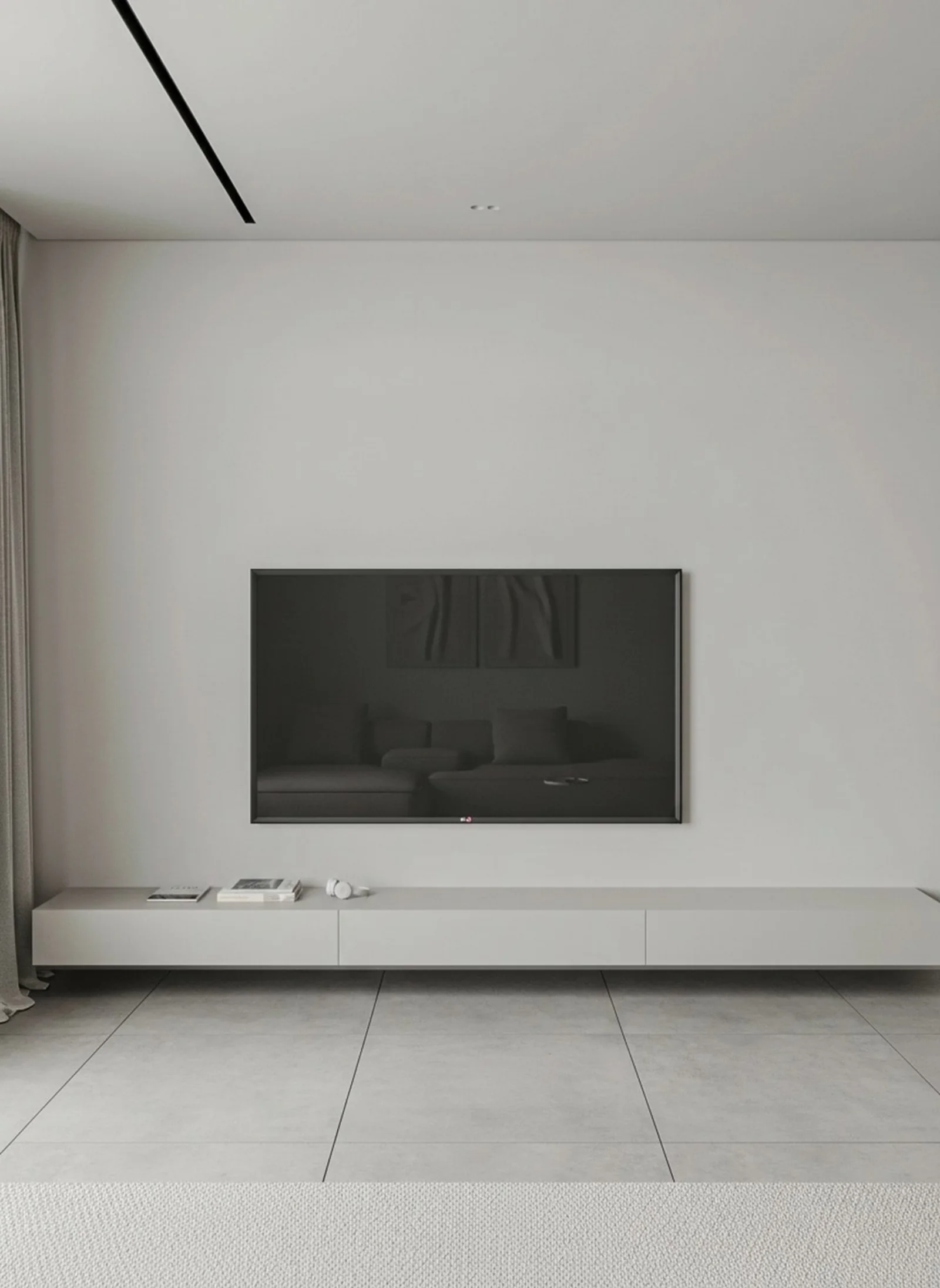
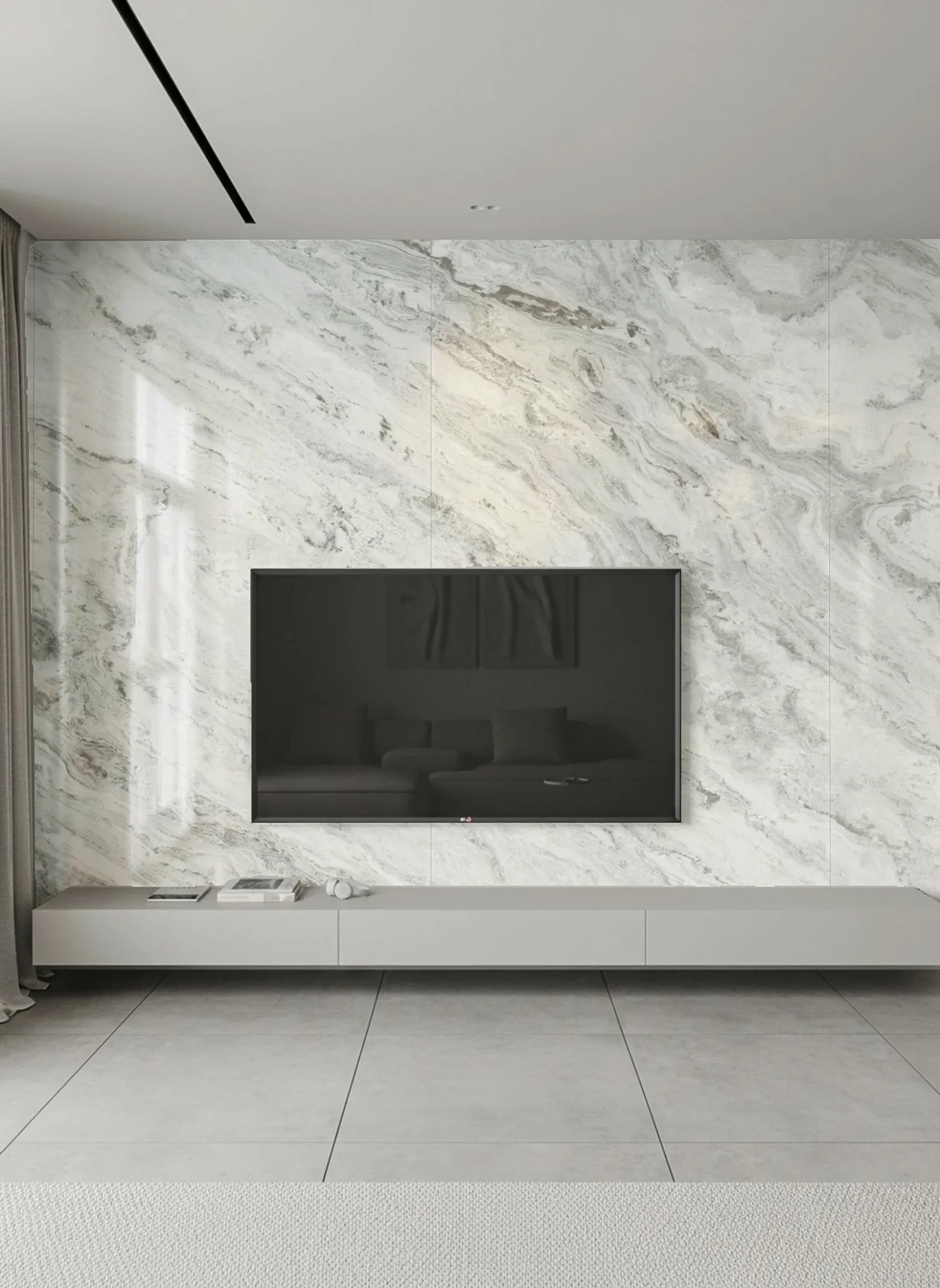




Your tiles deserve a faithful render
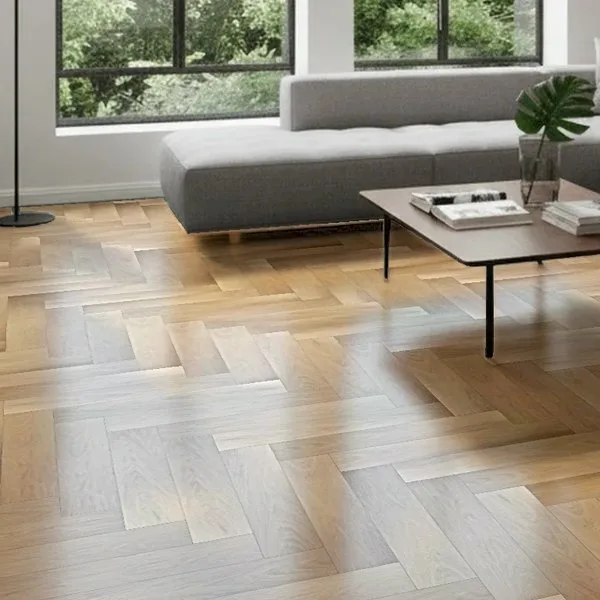
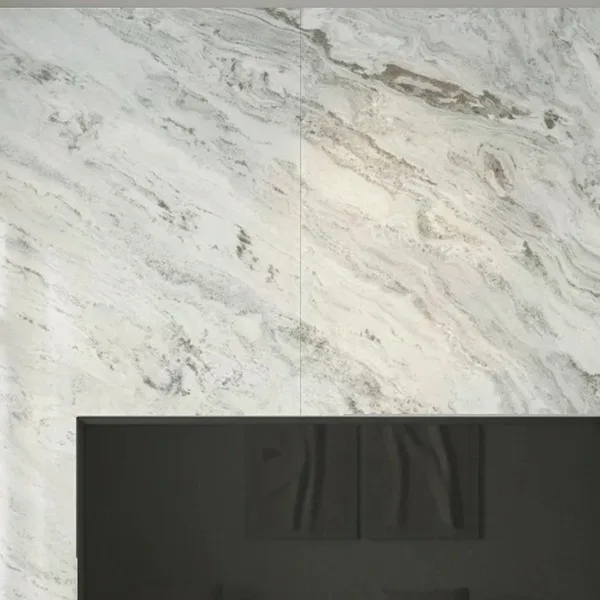
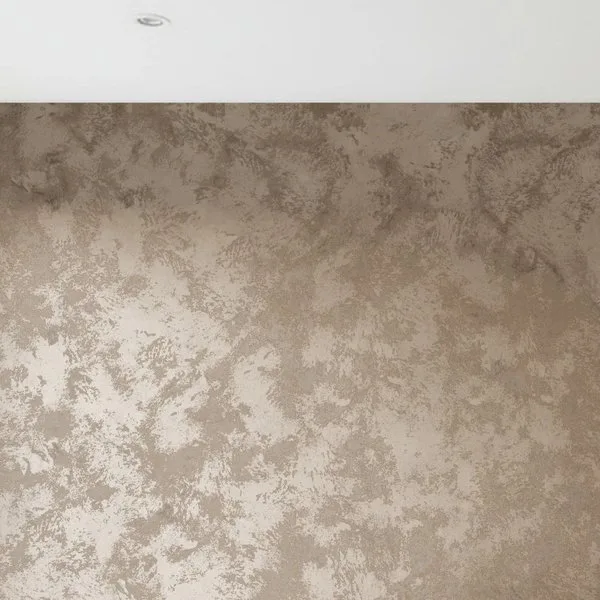
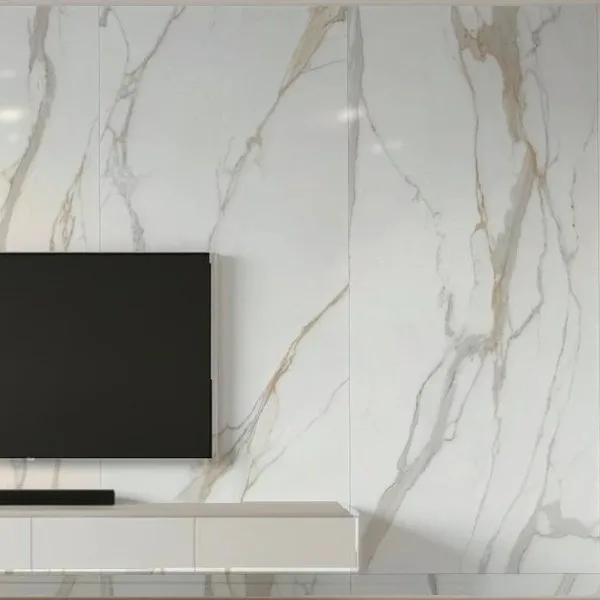
A flat overlay just pastes an image on top. RoomDreaming's AI photorealistic rendering reproduces each tile's texture, glossy or matte reflection and pattern continuity. Large slabs vein-match, hexagons stay straight, and grout lines up with the room's real size.
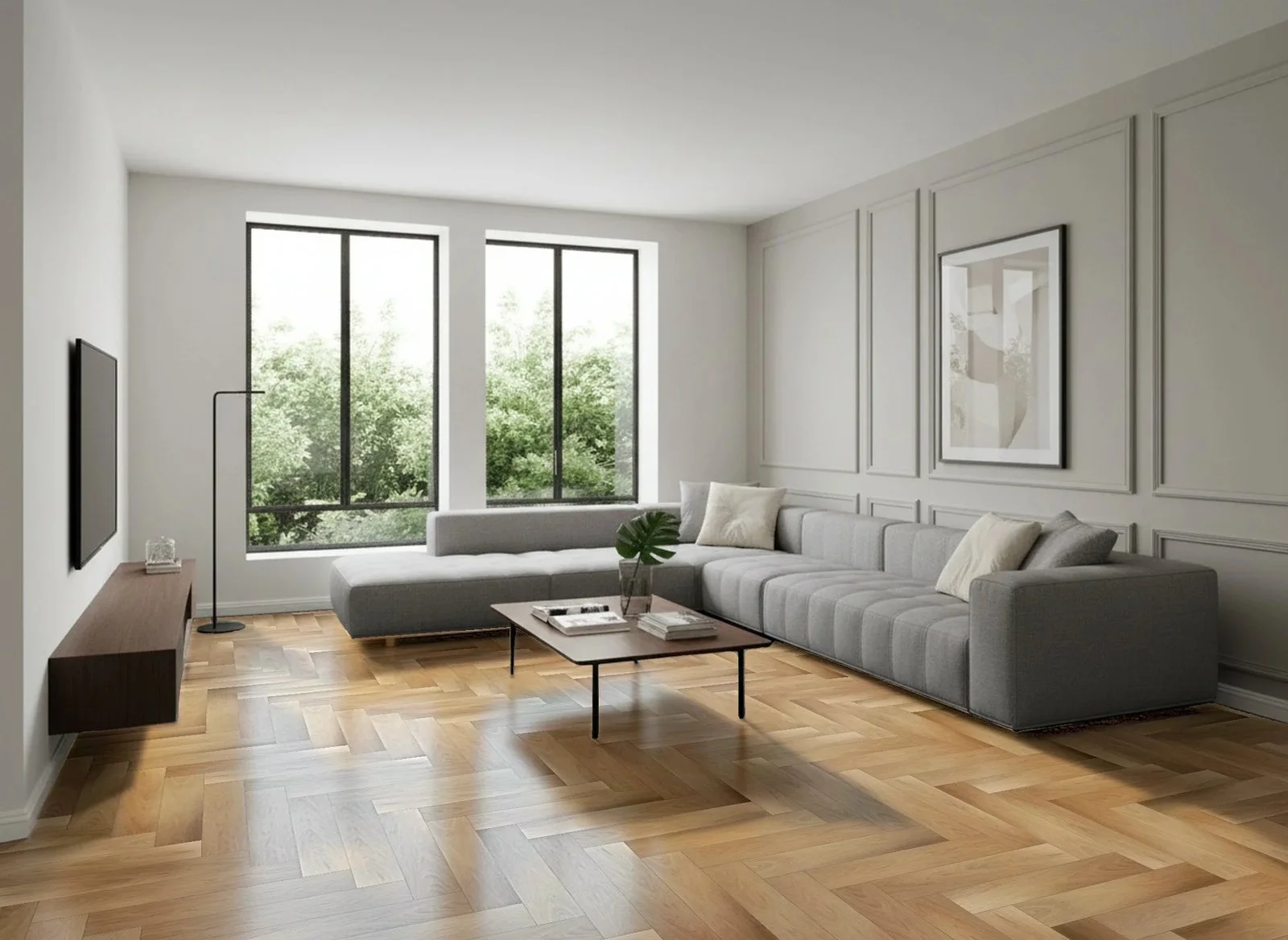
People choose materials with RoomDreaming every day
From brand websites to showrooms, customers decide with photos of their own homes.
See the 2026 Taiwan material trends report- 8,000+
- products
- 70K+
- AI visualizations
- 3,000+
- real rooms
Why tile brands choose RoomDreaming
Because customers see your tile installed in their own space, with the real size, face variation, grout and layout. Designers and homeowners no longer have to imagine it, and all the brand has to do is add its products.

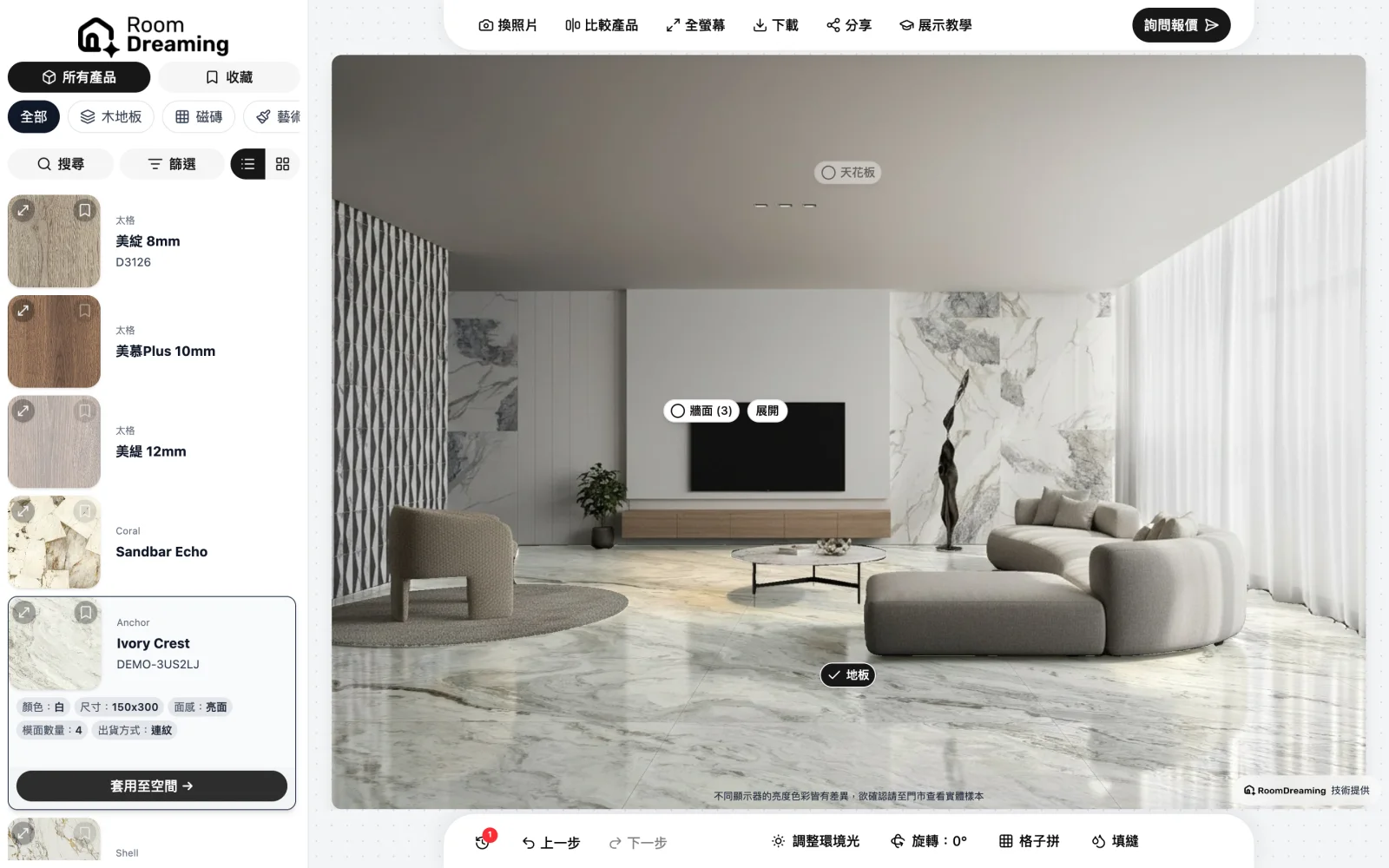
Make every tile the star
Floor tiles, wall tiles, mosaics and large-format slabs: your whole catalog fits. Upload product data once and every dealer's visualizer link updates with it.
See which tiles customers really want
Your dashboard shows which tiles customers try most, which styles are trending and how interest differs by region, so stocking and marketing rest on real data.

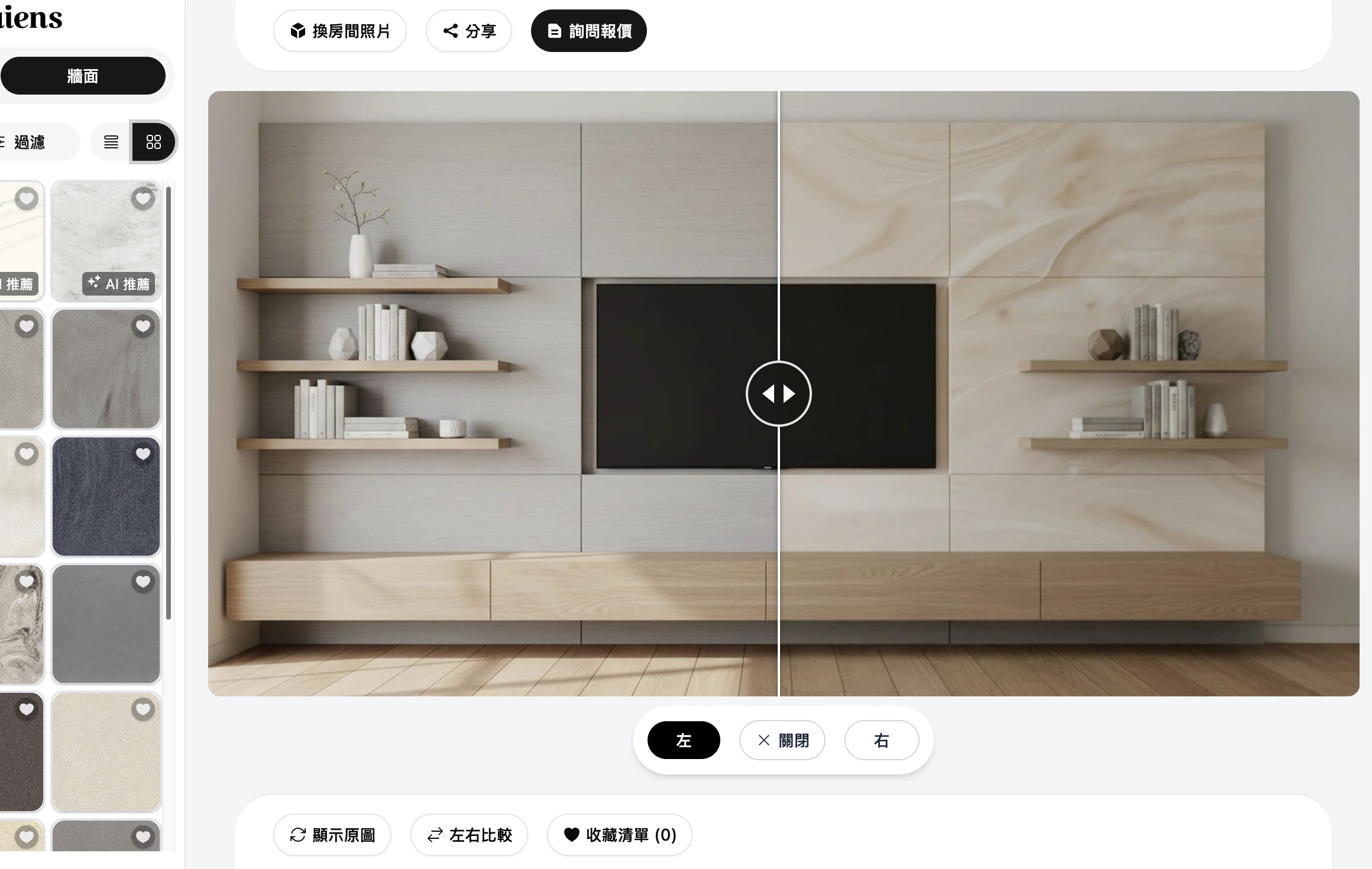
Help dealers sell, and keep your brand consistent
On dealer sites, in store or on a phone, your tile looks the same. Every dealer gets their own visualizer link, and quote requests go straight to them on LINE.
Try it now with your own photo
Snap a living room, bathroom or kitchen and see real products installed
Where brands get stuck, and how we help
"Will this tile actually look good in my home?"
Customers upload a photo of their space and instantly see different designs, colors and layouts, so they know what they're getting before they order.
"There are too many tiles. I don't know where to start."
Swap tiles one by one on the same photo, keep the ones they like, drop the rest, and they're down to two or three in no time.
"I want to compare styles, but it's hard to judge from imagination."
Compare several tiles on the same photo, switch grout colors and layouts, all in one view.
"I wish I knew which tiles customers care about most."
Your dashboard lists the products customers try most, giving product development and promotions real data to work from.
"Our showroom is beautiful, but it can't show every combination."
Add a QR code to your display. Customers scan it and see those tiles installed in their own space.
FAQ
Further reading
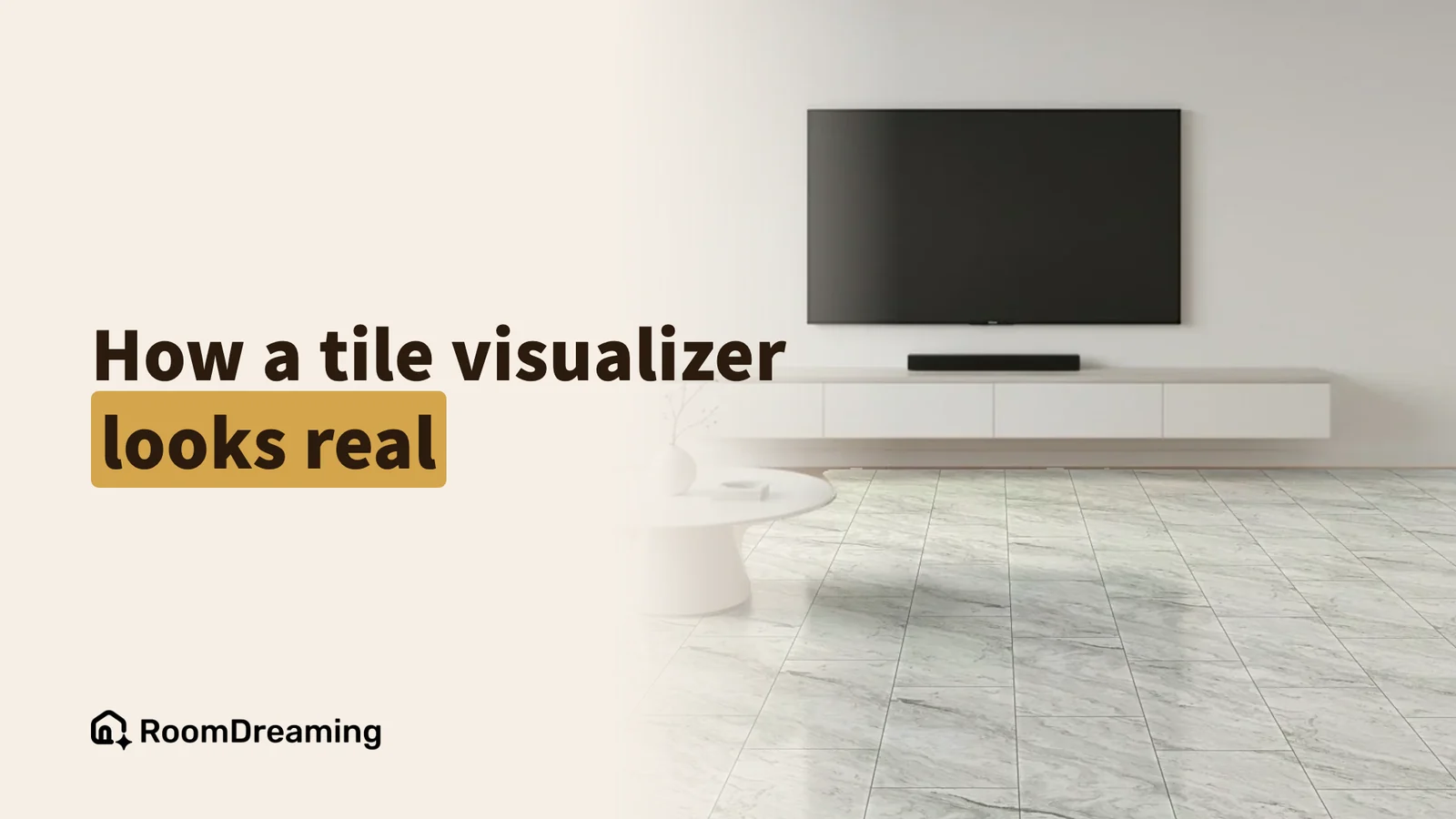
What Is a Tile Visualizer? How AI Tile Visualization Gets Size, Pattern, Grout and Layout Right
A tile visualizer puts a real tile into a photo of the customer's own room so they can see it installed before they buy. A good one gets four things right: the tile's real size, its face variations, the grout color and the layout pattern. Here's what each looks like.
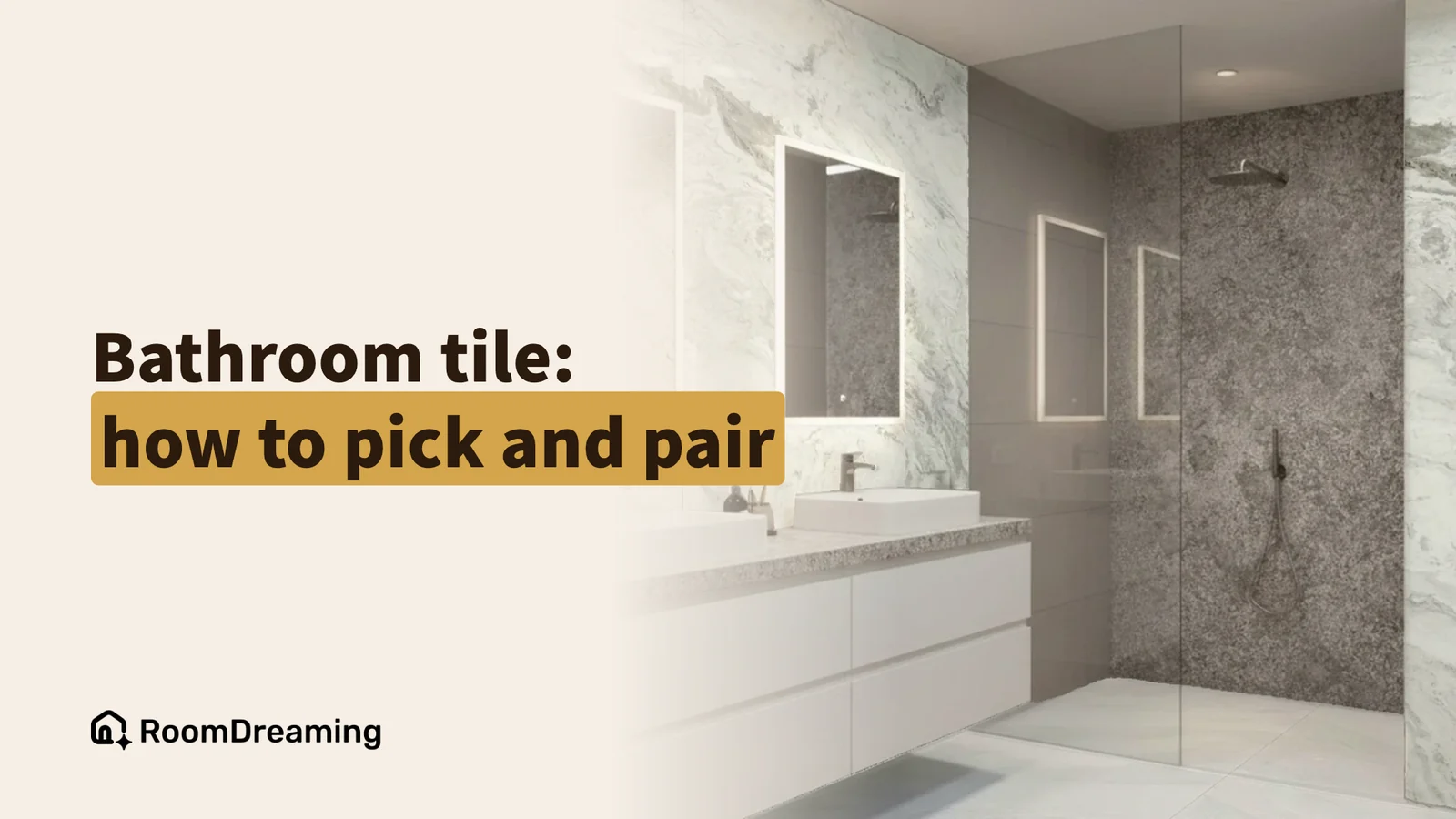
How to Choose Bathroom Tile: Floor and Wall Combinations, Tile Size and Samples
Start by separating the jobs: bathroom floor tile has to be slip-resistant, wall tile has to be easy to clean. Then choose the color combination, tile size and grout, and confirm with a sample plus a photo of your own bathroom. Here's the order, and three bathroom tile combinations that work.
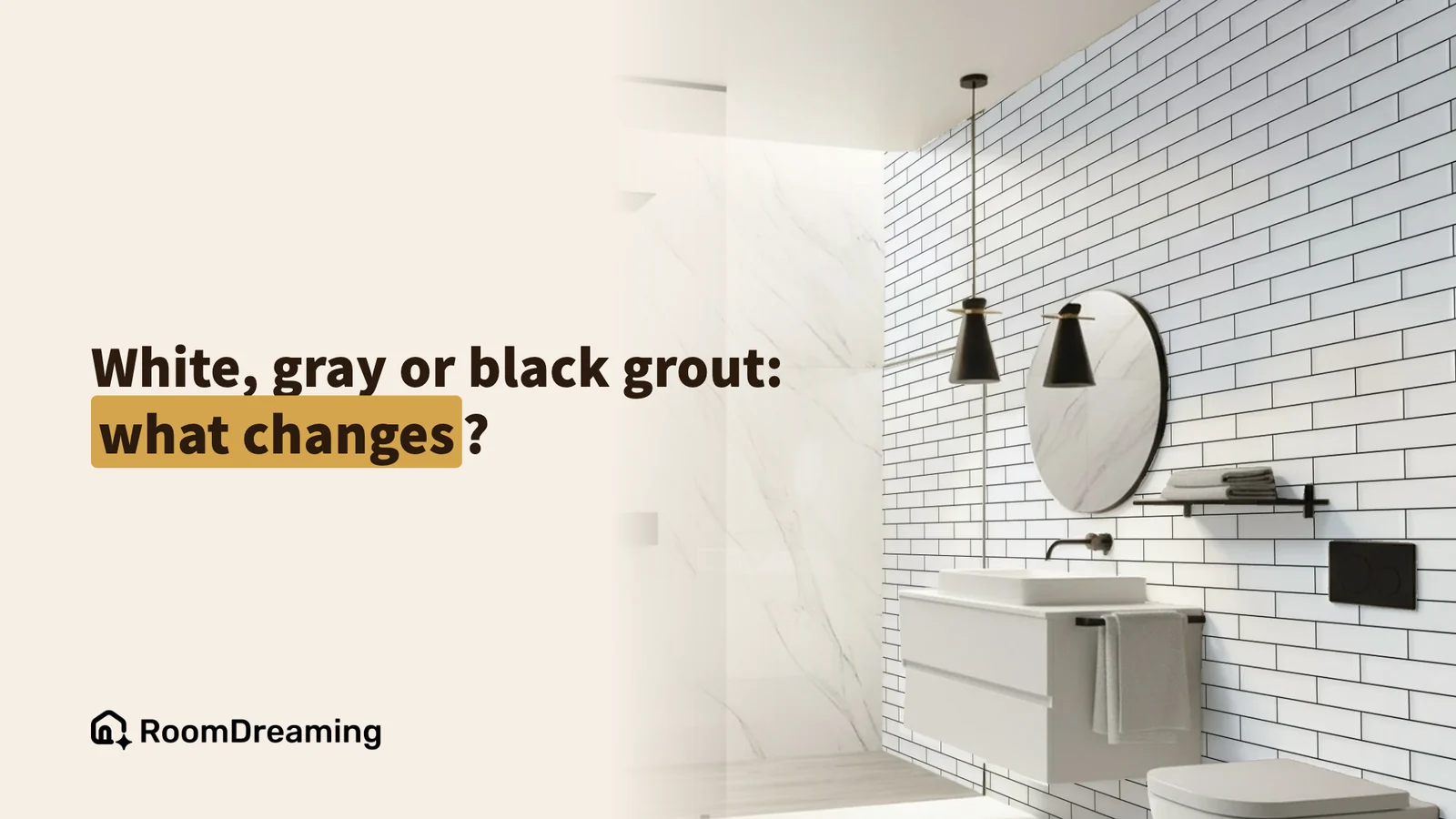
How to Choose Grout Color: White vs Gray vs Black Grout
Choosing a grout color starts with one question: do you want the grout lines to disappear or to show? Grout that matches the tile makes the wall read as one surface; contrasting grout outlines every tile and the layout. White is cleanest but stains, gray hides dirt best, black is the boldest.
Try it with other materials too