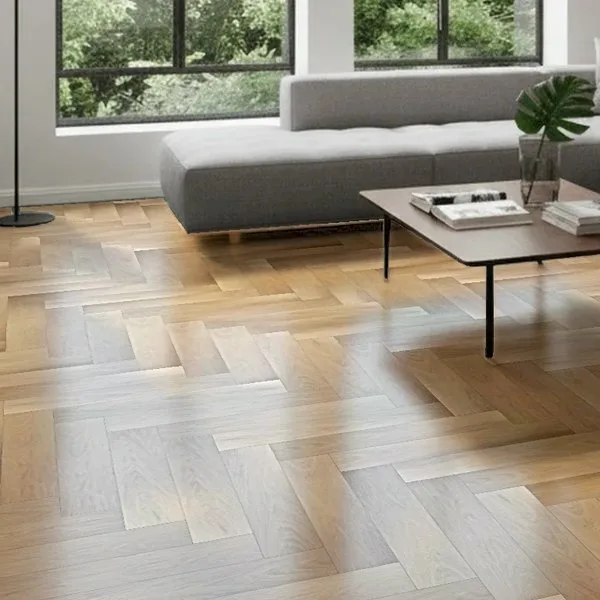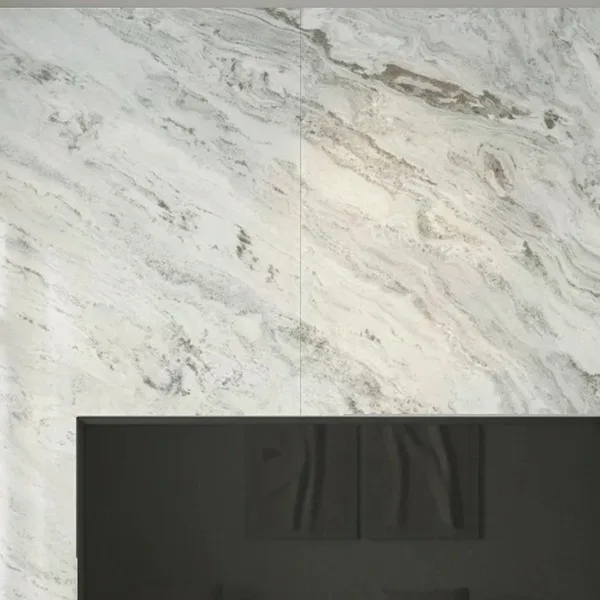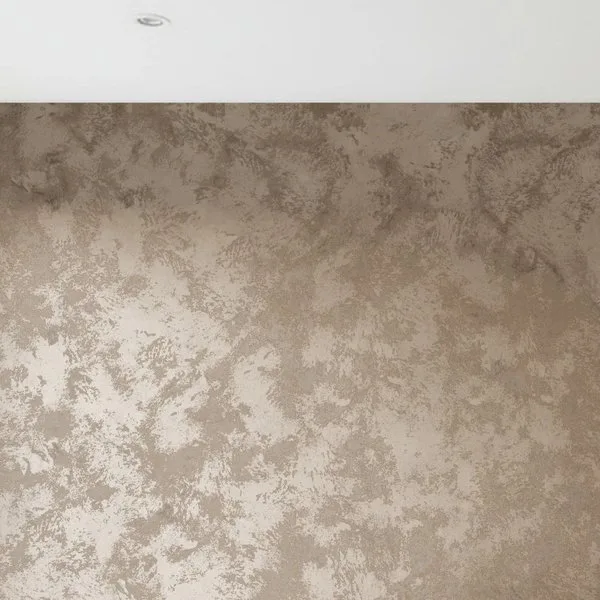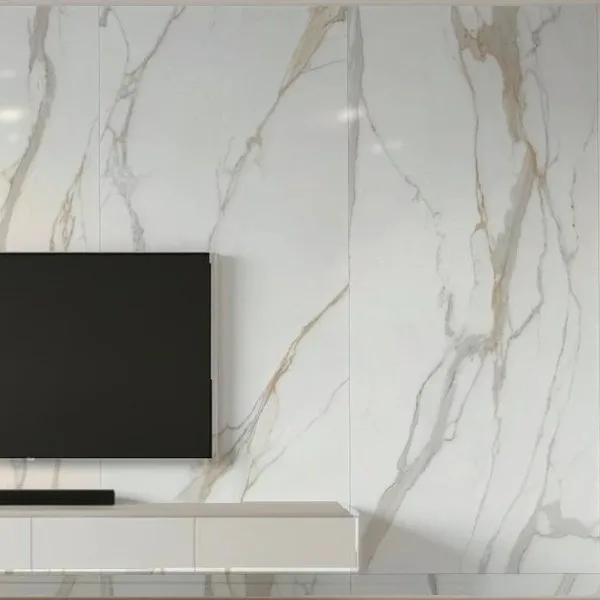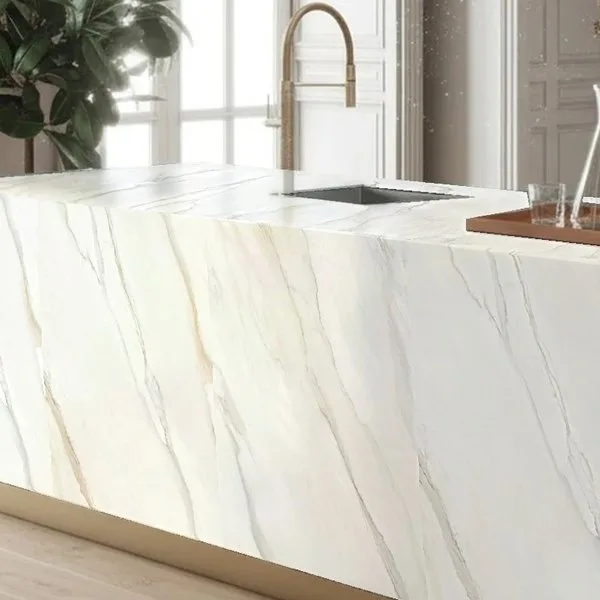
Choose a wood floor color in the customer's own room
A shade that looks right as a sample often reads darker across a whole room
Customers take one photo of their room and see your flooring at true size, in herringbone or chevron, lit by their own light. Try it now with your own photo.
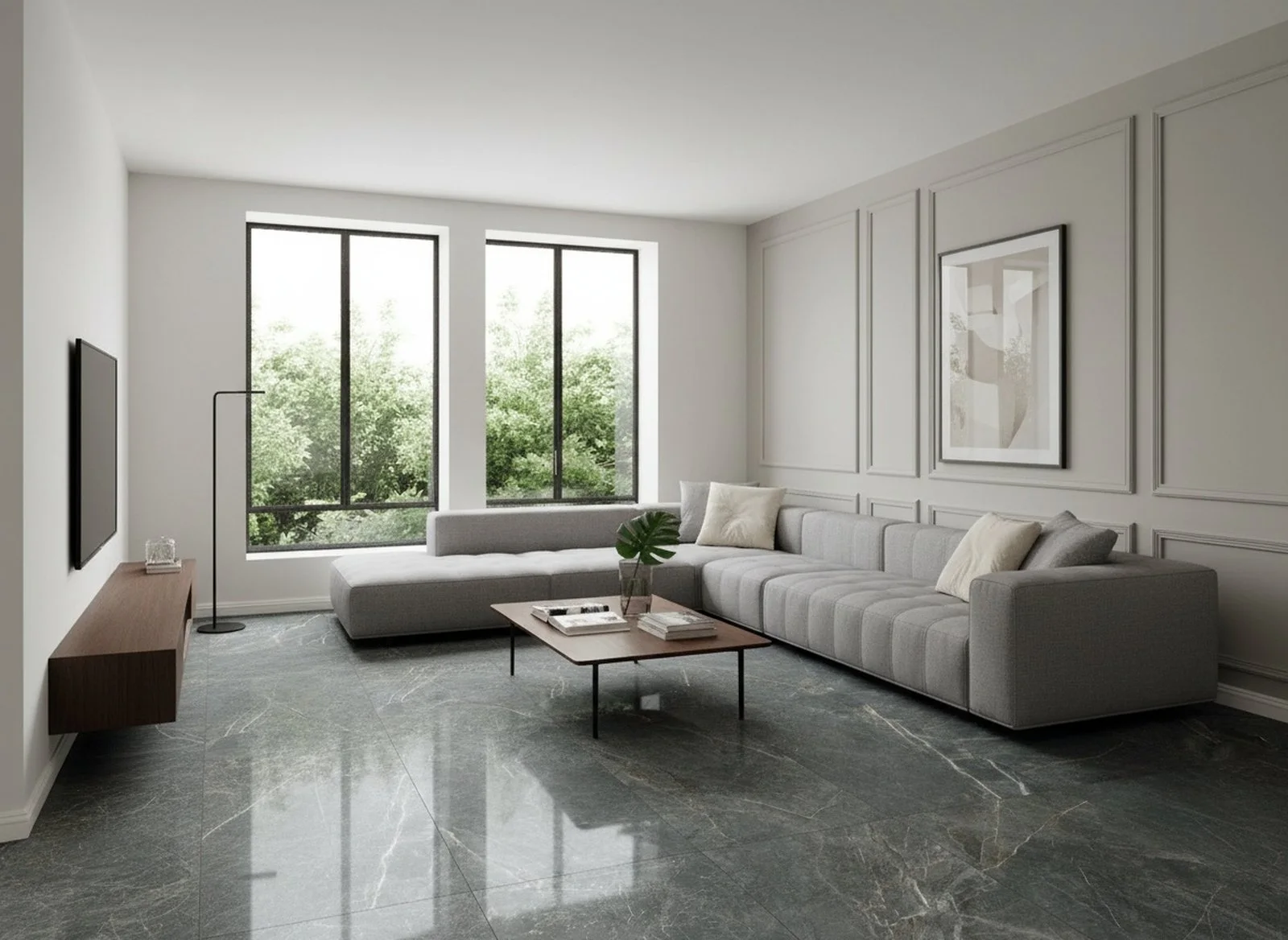




People choose materials with RoomDreaming every day
From brand websites to showrooms, customers decide with photos of their own homes.
See the 2026 Taiwan material trends report- 8,000+
- products
- 70K+
- AI visualizations
- 3,000+
- real rooms
Why flooring brands choose RoomDreaming
Hardly anyone re-lays a floor, so customers find it hard to commit. RoomDreaming lets them compare colors and laying patterns on a photo of their own home, with every plank's grain a little different, so it looks like a floor that's really been installed.

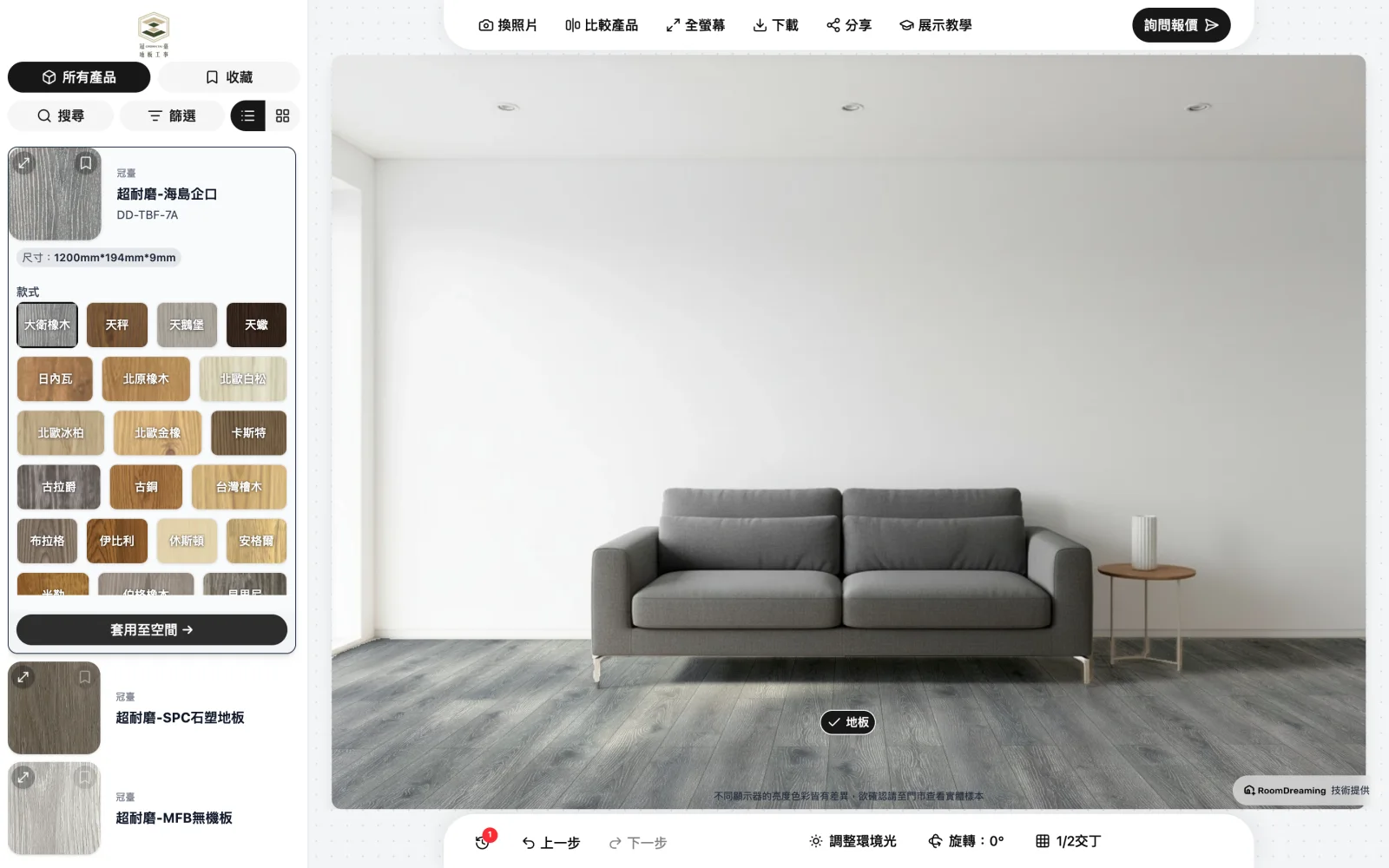
Lighter or darker? Compare them in one photo
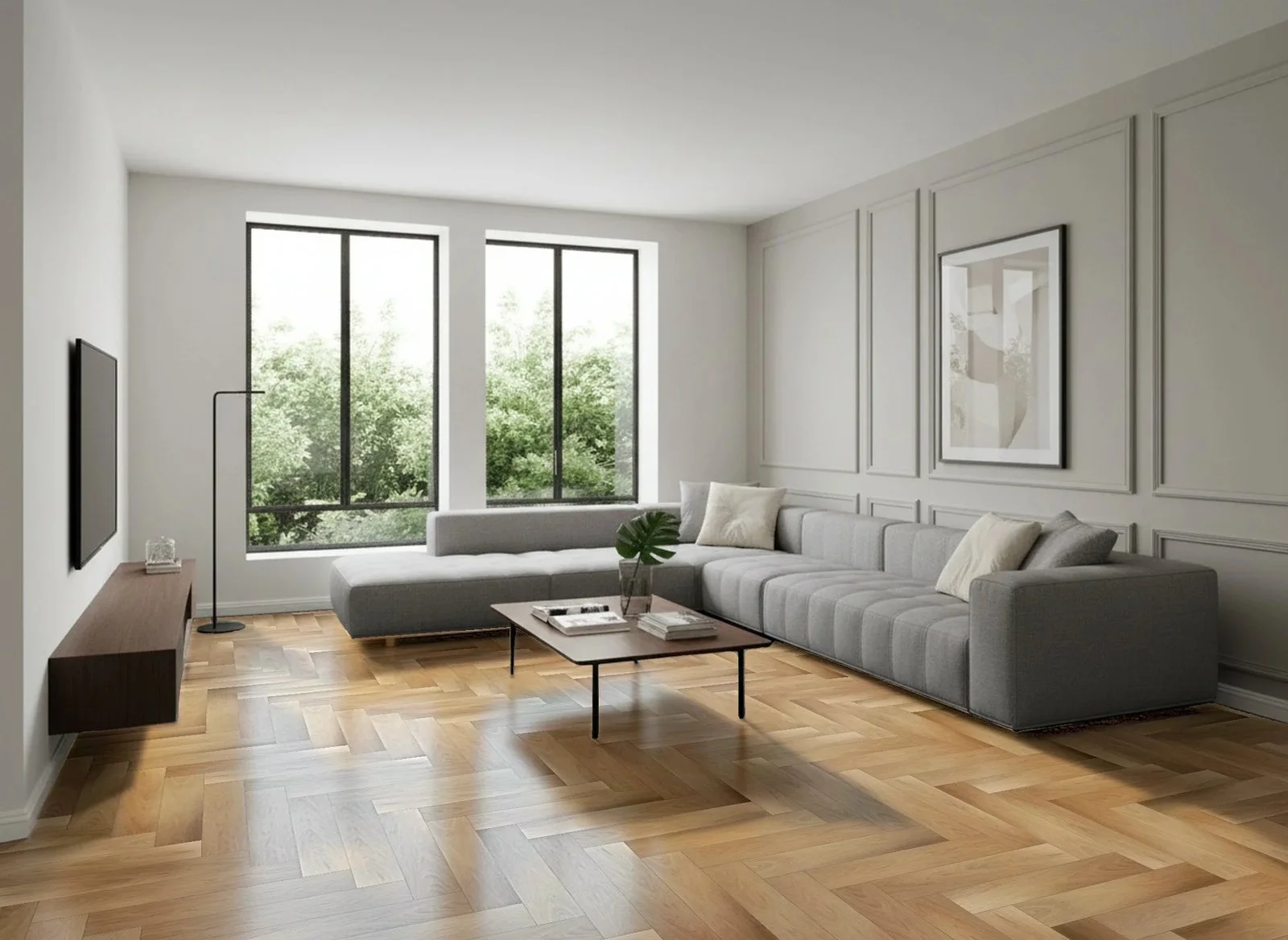
Put two or three floors side by side in the same living-room photo, with the customer's own light and walls. More in how to choose a wood floor color.
Herringbone and chevron only show once they're laid
Change the laying pattern and the grain direction and light change with it. Customers switch between straight, offset, herringbone and chevron on their own photo.
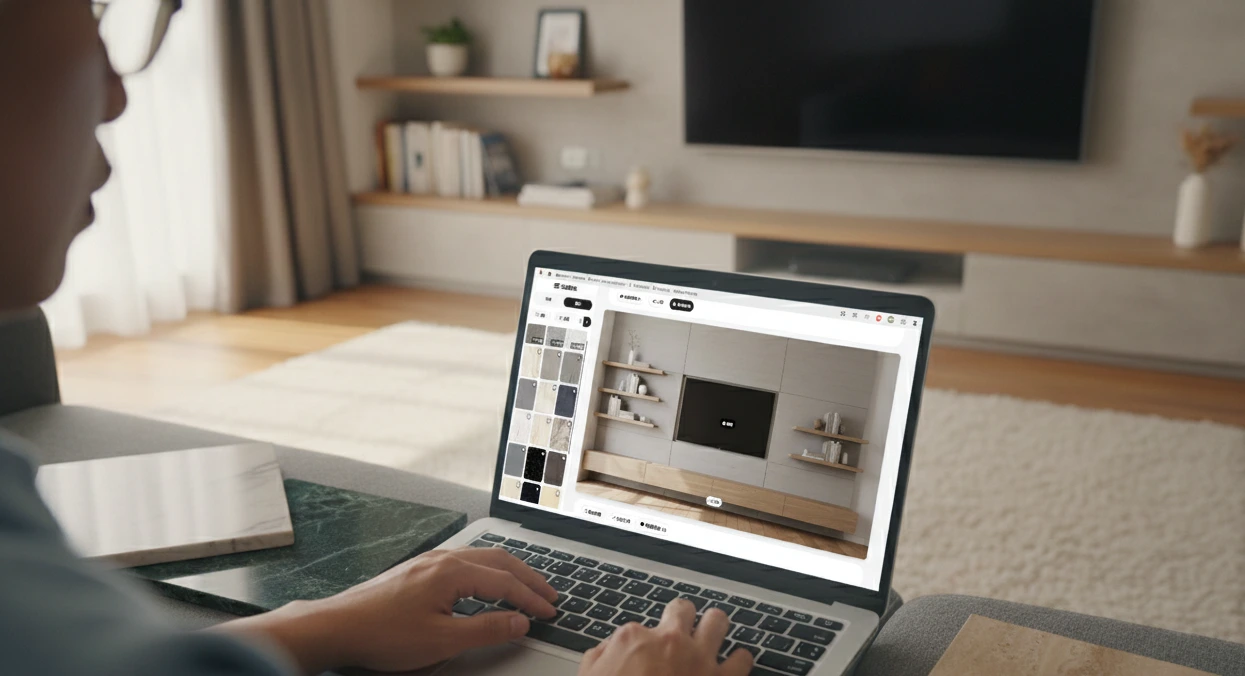

One tool for your website, showroom and dealers
Embed it on your website, give every dealer a personal link, print a QR code for the showroom. Quote requests go to the dealer on LINE, with the nearest store suggested.
Try it now with your own photo
Snap a living room, bathroom or kitchen and see real products installed
Where brands get stuck, and how we help
"Customers love our floors but can't picture them at home."
Customers upload a photo of their room and your floor goes in at true size, every plank's grain different, with no repeating copy-paste look.
"They take samples home for days and still can't decide."
Line up the candidates in one photo, narrow to one or two, then check samples. Far fewer rounds.
"Our showroom samples and our online marketing feel disconnected."
Put a QR code next to the samples. Customers scan it in store, see that floor in a photo of their own room, and keep comparing at home.
"Our dealers say customers take forever to decide."
Every dealer gets their own visualizer link. Customers ask for a quote right after they look, and it goes straight to that dealer on LINE.
"We struggle to see how products perform at the dealer level."
Your dashboard ranks your most popular products and shows AI selection counts, where visitors are and how many quote requests each dealer gets.
FAQ
Further reading
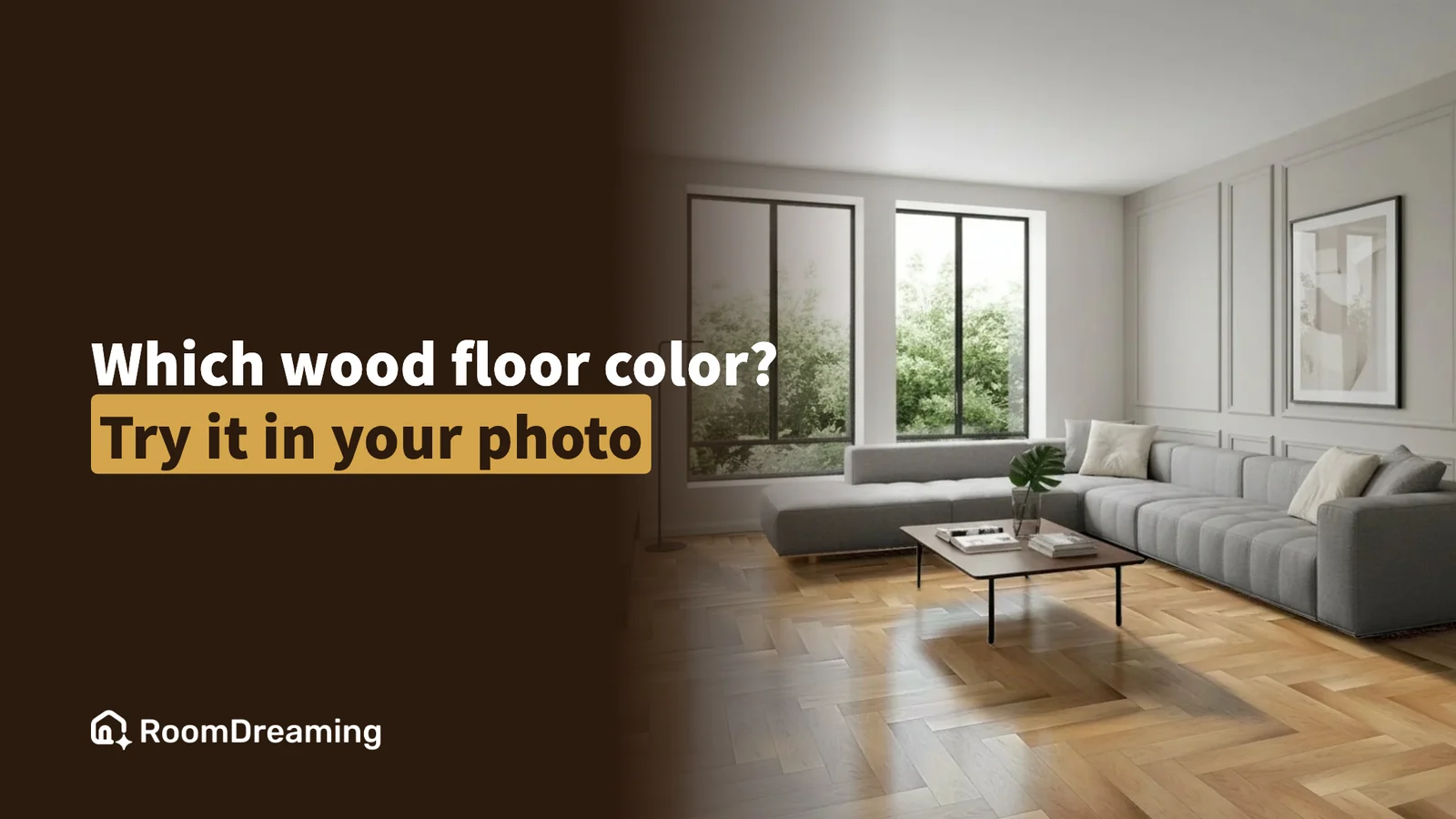
How to Choose a Wood Floor Color: Light, Dark or Herringbone — Try It on a Photo of Your Room First
The right wood floor color depends on your light, the size of the room and the laying pattern. A shade that looks right in the showroom often reads darker across a whole room — compare a few options on a photo of your own room, then check samples.

Room Color Combinations: How to Match Walls and Floors (and Let AI Pair Them for You)
The rules for matching walls, floors and an accent wall are simple. Picking one real combination out of hundreds of products is not. AI style pairing lets you choose a style you like, then applies a complete set of a brand's real products to a photo of your room — and if you don't like it, you try the next one.
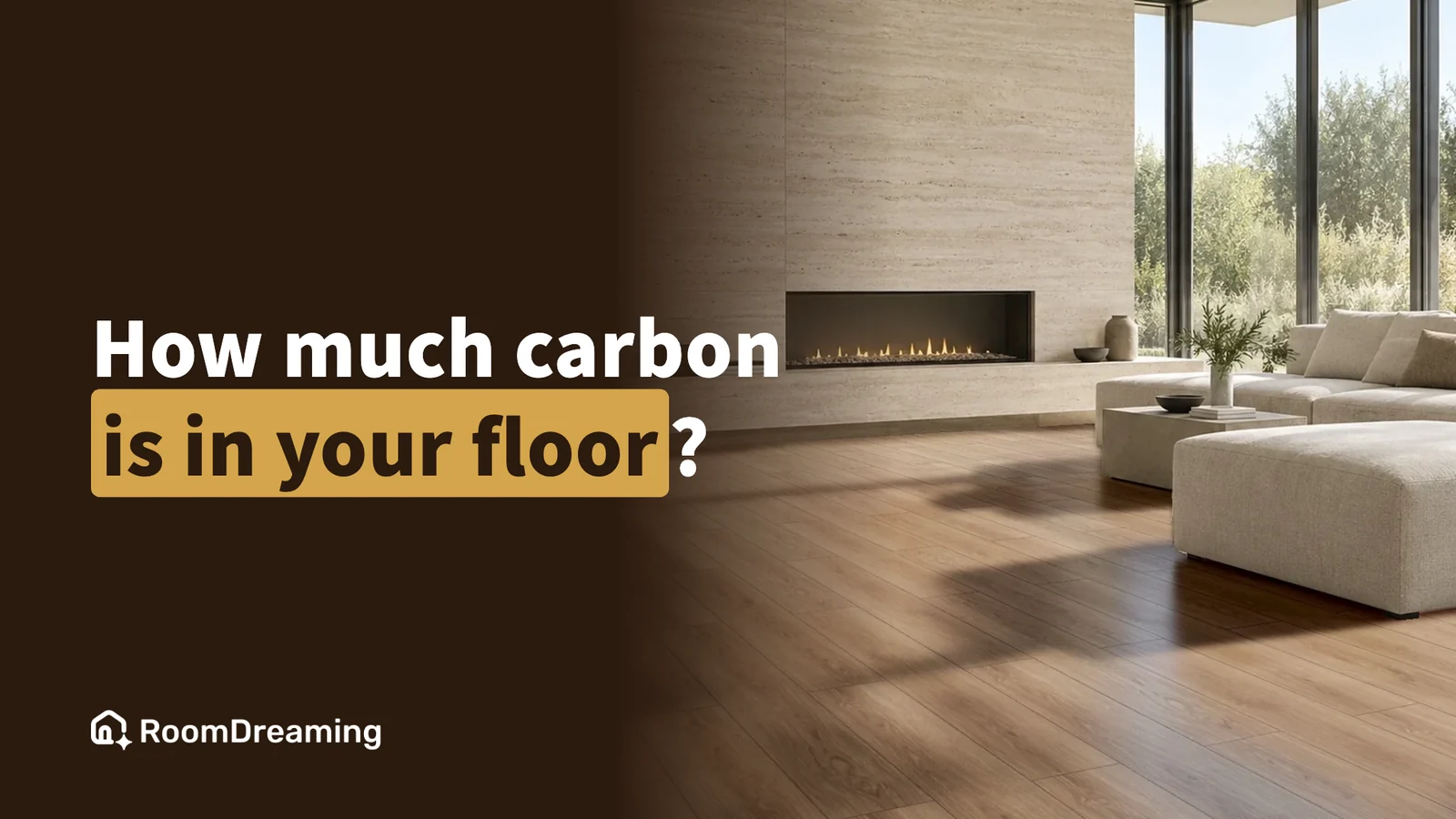
What Is GWP? How to Turn a Building Material's Carbon Footprint Into Something Customers Understand
Building-material carbon data is usually written as kg CO₂e per square meter, which customers can't apply to their own home. Put the product into a photo of the customer's room, estimate the area, and you can say: this wood floor stores about 87 kg of carbon.
Try it with other materials too